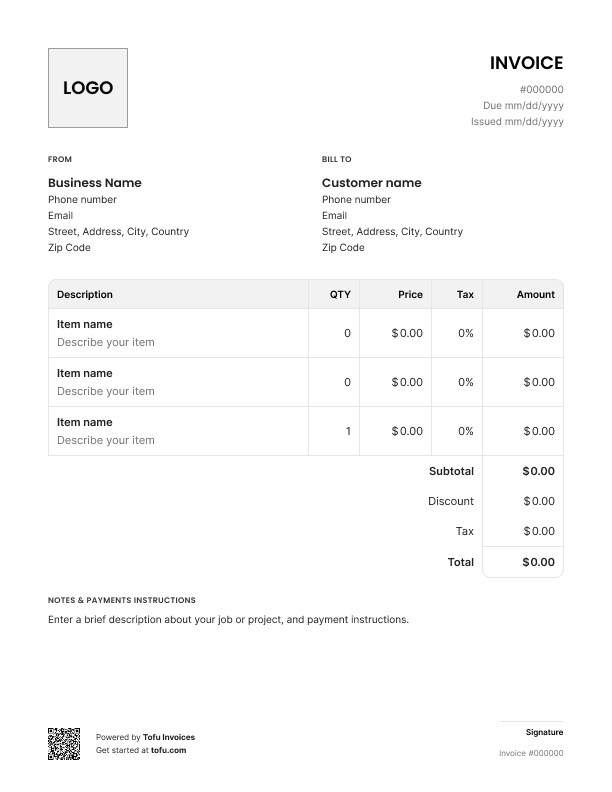
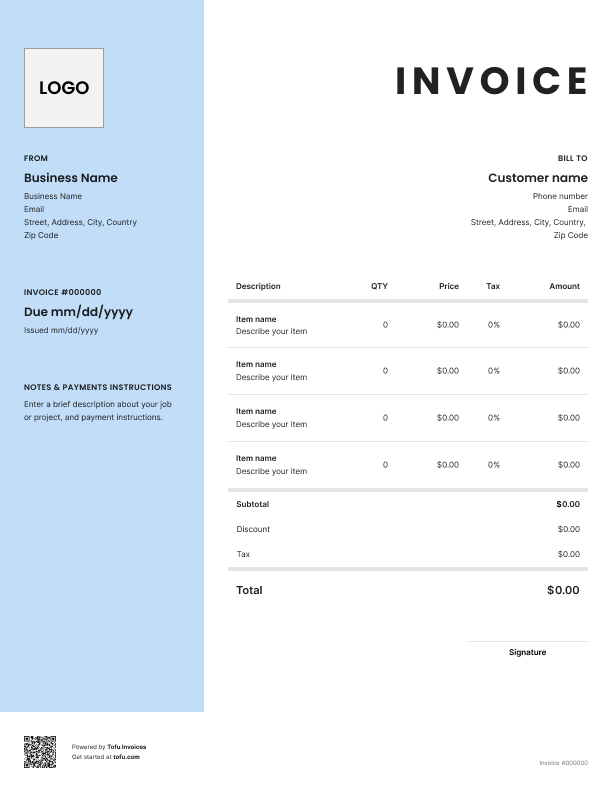
Bill clients for mowing, edging, fertilizing, or recurring lawn care schedules. Tofu's ready-to-use invoice templates make it simple. Choose your format, add a personal touch, and download.
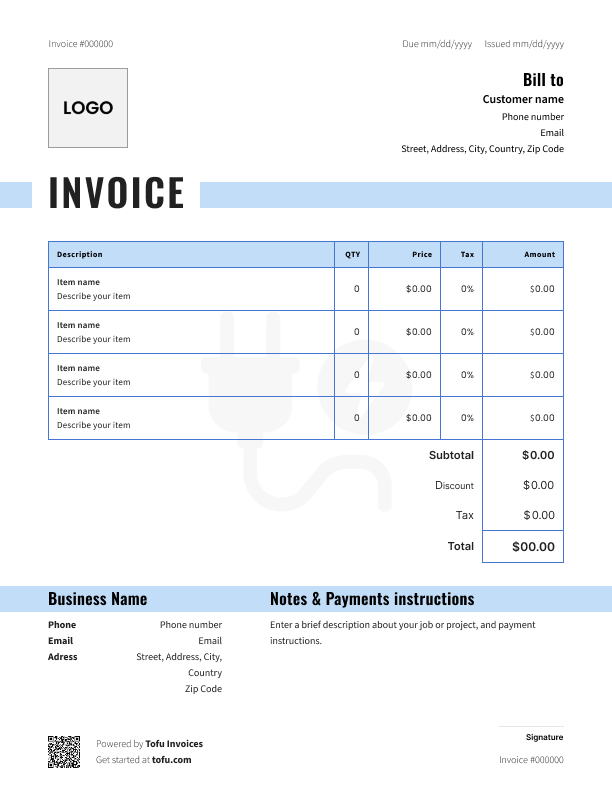
Running a lawn care business means juggling recurring visits, variable materials – fertilizer, seed, sod – and different job types, all on the same invoice. A generic template wasn't built for that.
A lawn care invoice template gives you a starting point that actually fits the work. In this guide, you'll find essential fields to include, billing approaches for different job types, customization tips, and how professional invoicing helps you get paid faster – with less time on admin.
Good invoice templates cover the same core fields every time – so nothing gets missed and customers always know what they're paying for.
Don't bundle everything into one line. Customers who can see exactly what they're paying for ask fewer questions – and dispute fewer charges. A detailed list of services listed in lawn care estimate templates builds trust, especially on recurring jobs where the scope can shift week to week.
A generic invoice wasn't built for lawn work. These fields make a real difference:
These details protect you and make future lawn care planning with the client a lot easier.
Open Tofu, add the details, send a pay link. Your client gets it while the work is still fresh.

Absolutely amazing! It’s saves so much time and it gives you the professional touch needed to make you look good!
★ ★ ★ ★ ★
Tony W.
It had made doing business much easier!
★ ★ ★ ★ ★
Michael S.

It works good in the field
★ ★ ★ ★ ★
David S.
Awesome app, very easy and simple to use, while also keeping things looking professional. Can send and save invoices/quotes directly or save to sen after. Overall great app, no faults. 10/10
★ ★ ★ ★ ★
Raymond B.
Easy to use and straightforward! Been using it for over a year now!
★ ★ ★ ★ ★
Manuela M.
I was using it mostly for invoicing and a little for job management, the whole experience was really smooth and easy
★ ★ ★ ★ ★
Valeria N.
Whether you're using a free lawn care invoice template or building from scratch, the process is the same.
You can create a lawn care invoice in PDF, Excel, Google Docs, Google Sheets, or Microsoft Word – whatever fits your workflow.
💡 Pro tip: Send the invoice on-site the moment you're done – from your phone or laptop. Don't let it sit until you're back at the office.
A customizable template takes maybe five minutes to set up and looks a lot more professional than a blank document.
Add your logo, business name, and telephone number at the top. Adjust the service description fields to match your job types – lawn mowing, seasonal treatments, landscaping projects. Then lock in your terms and conditions, late fees policy, and preferred payment methods so they're on every invoice automatically.
Customers are more likely to pay promptly when the invoice looks like it came from a real business, not a spreadsheet you threw together between jobs.
Not sure whether to bill hourly or flat rate? It depends on the job.
Hourly billing works best when:
Flat rate billing works best when:
For repeat clients, a recurring invoice sent at regular intervals keeps billing consistent and saves you time. Many lawn care businesses use a mixed approach – flat rate per visit, then hourly for any extra work outside the original scope. Use invoice templates for lawn care that support both line item types so you're never stuck.
Using lawn care invoice templates saves you from building every invoice from scratch. Same fields, same structure, every job – fewer mistakes and less time on admin.
A professional invoice also signals to customers that you run a real operation. That matters. Clear documentation means fewer disputes, and customers who understand exactly what they owe tend to get paid faster – which keeps your cash flow healthy through slow seasons.
The billing process gets easier the more consistent you are. Templates give you that consistency from day one.
As your business grows, a free invoice template will only take you so far. Most lawn care businesses eventually move to dedicated invoicing software to automate recurring billing, chase overdue payments, and keep client records in one place.
Small errors in your invoicing process can slow down payments or trigger disputes you didn't see coming. Here's what to watch for:
Every client, job, estimate, and payment lives in Tofu – ready to pull up in seconds, wherever you are.
Everything you need to know about the product and billing